
How to submit your business mileage for taxes plainly
A practical guide for filing business mileage for taxes, with step-by-step methods, common mistakes to avoid, and clear tips for accuracy.

Submitting mileage for taxes can seem daunting, but the process follows clear steps. Start by gathering trip records and identifying which miles were directly tied to business activities. This article outlines a straightforward method to document, calculate, and report mileage accurately for tax compliance and repayment efficiency.
The guide uses plain terms and concrete examples so readers can apply the steps to their own records. It covers how to choose between standard mileage rates and actual expenses, how to log trips, and how to handle audits or adjustments. Readers will also see practical wording for keeping receipts and organizing the data.
By the end, readers will have a concrete plan: collect trip data, choose a method, document thoroughly, and review for errors before submission.
- Gather trip data now including dates, destinations, and purposes.
- Choose a method (standard rate or actual costs) and apply consistently.
- Keep receipts and backups; review for accuracy before filing.
Basics of mileage claiming
What counts as business miles
Business miles include travel to meet clients, to perform services, or to haul supplies for work. Commuting miles between home and a regular workplace usually don’t count. Keep a simple log that notes date, destination, purpose, and miles driven for each trip. submit your business in Aberdeen
Consistency matters: use the same method for all trips and avoid mixing personal and business logs in the same sheet.
Choosing a reporting method

Standard mileage vs actual expenses
Most readers will first consider standard mileage, which simplifies math and record-keeping. If you have large vehicle expenses, itemizing actual costs can yield a bigger deduction. Compare which method applies to your situation, and stay consistent for the tax year. Aberdeen News website
The IRS or local tax guidance sets thresholds, but the core choice is whether mileage savings or expense accuracy gives a better result for your business. Start with a rough estimate to decide quickly.
Keeping records and receipts
What documentation to keep
Keep a contemporaneous log or digital equivalent with dates, destinations, and purposes. Retain mileage totals and supporting receipts for fuel and maintenance. Digital logs that synchronize with your phone can reduce the risk of lost records. what's on in Aberdeen
Record-keeping should be verifiable, with entries that could be reconstructed in an audit. Store data in a consistent format and back it up.
| Method | What it covers | Best for |
|---|---|---|
| Standard mileage | Miles and rate per mile | Simple, fewer records |
| Actual expenses | Fuel, maintenance, depreciation | Higher potential deduction for vehicle-heavy use |
| Hybrid approach | Partial actual with some miles | When mixed-use fits tax strategy |
Attach or link trip justification to each entry, including purpose, destination, and business relevance.
Common errors and their fixes
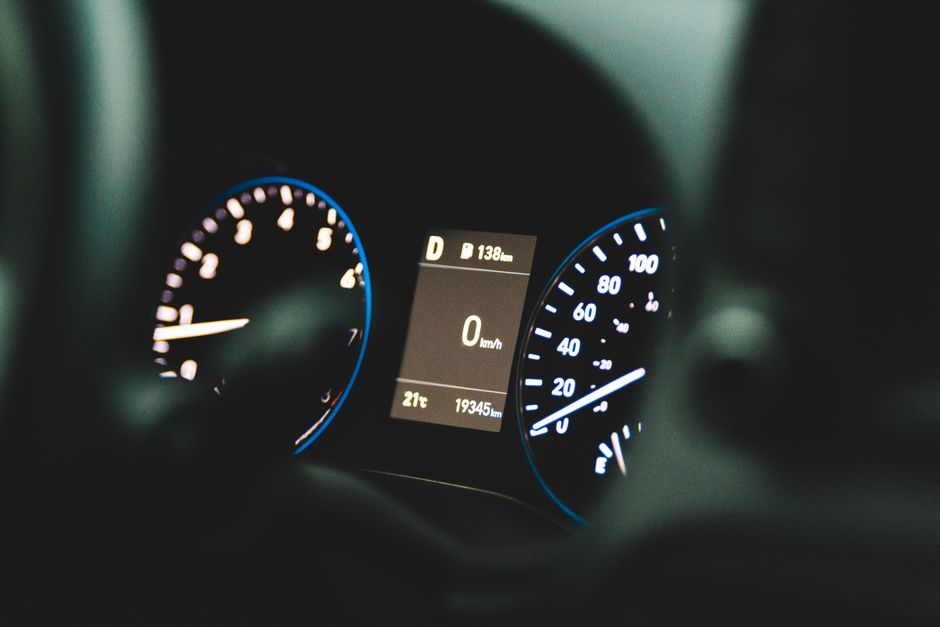
Typical miscounts and corrections
A common error is mixing business and personal miles in a single total. Keep a separate log for business trips and a separate one for reimbursed travel. This helps maintain accuracy when you file taxes or submit to an employer. local job listings in Aberdeen
Another frequent mistake is missing receipts or trip notes. Attach or link trip justification to each entry, including purpose, destination, and business relevance. Without this context, audits or reviews can be more cumbersome and time-consuming.
Finally, failing to update the log after route changes or detours can skew totals. Record deviations and the actual miles driven, not the planned route. Clear notes prevent disputes about distance claims.
- Separate business and personal miles
- Attach trip notes or receipts
- Update for detours and route changes
- Verify totals before filing
Avoiding audit red flags
Audit risk rises if entries appear inconsistent or are entered in bulk at tax time. Maintain regular, contemporaneous logs rather than retroactive estimates. Consistency over the year builds credibility with reviewers.
Use a standard method for all entries, such as a mileage log or digital tracker. If your employer provides a policy, align with it and keep copies of any official guidelines. This demonstrates a clear, accountable process.
Keep backups of your records in case of data loss. Store both digital copies and physical receipts where applicable. A simple, reliable archive reduces last-minute scrambling during tax season.
- Log regularly, not just on tax day
- Follow a consistent method
- Store copies of policies and receipts
- Back up your records
How to report on tax forms
Standard deduction methods
Most filers report business mileage using Schedule C or the relevant self-employment forms, with a separate line for mileage deductions. Record the total business miles and the rate you apply, then translate that into the deduction amount on the form. post a funeral announcement in Aberdeen
If you’re an employee, mileage for unreimbursed business travel typically appears as an adjustment or a miscellaneous deduction on the appropriate form, depending on current tax rules. Always check whether your employer reimburses miles, which would reduce your deductible amount.
Some software prompts guide you through mileage entries, helping avoid arithmetic mistakes. Enter the date, destination, purpose, and miles for each trip, then review the summary before submission. This minimizes human error and speeds up filing.
- Use Schedule C or relevant self-employment forms
- Separate business miles and rate applied
- Check employer reimbursement status
- Review totals in the software summary
Manual vs. digital logs
Manual logs work for simple businesses but are prone to gaps. A digital log can auto-fill dates and distance if your GPS is accurate, reducing entry time and errors. Choose a method you can maintain consistently throughout the year.
Digital options should record purpose and destination for each trip, not just miles. This context is essential if the deduction is questioned. Ensure you can export records in a standard format for your tax return.
Back up digital logs regularly and test the export process before filing. This ensures you have a reliable file if the software platform changes or data is corrupted. Reliability beats speed when tax data is involved.
When to seek help and follow-up
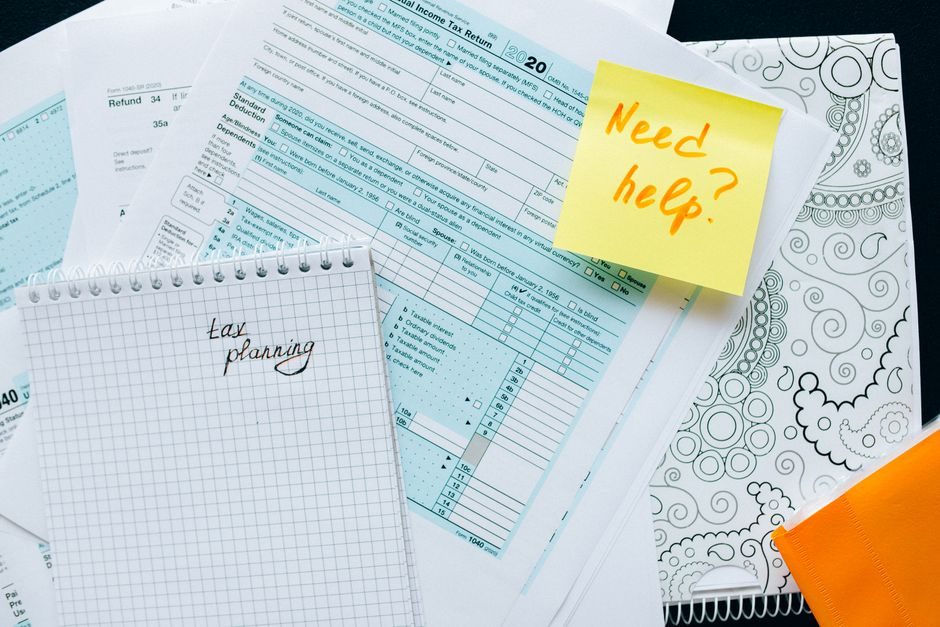
When to engage a professional
If your mileage log has repeated gaps or inconsistent totals, a tax professional can help reconcile records and ensure compliant deductions. They can also explain how local rules interact with federal requirements. This is especially useful for complex travel patterns.
Consider professional help if your business expands or your transportation footprint changes significantly. A consultant can set up an audit-ready process and create a sustainable routine for ongoing record-keeping. The upfront investment saves time and stress later.
For startups and small teams, a one-time setup with quarterly check-ins may be enough. A professional can tailor the system to your industry, whether you drive for clients, vendors, or internal trips. Clear guidance reduces annual scrambling.
Follow-up after filing
Review the filing confirmation and note any questions from the tax authority. Respond promptly with any requested documentation, including travel logs and receipts. A quick, organized reply can prevent delays.
If an audit arises, have a clean log ready for review, with entries aligned to supporting documents. Demonstrate the consistency of your method across the year. This helps establish credibility and speeds resolution.
Update your process based on feedback from the filing review. Adjust categories, improve notes, or implement a reminder system for trip entries. The goal is a smoother, more accurate cycle next year.
Frequently asked questions
What is the simplest way to start a mileage log?Begin with a simple notebook or spreadsheet that records date, destination, purpose, starting and ending odometer readings, and miles driven. Add entries at the end of each workday or trip to keep data fresh and accurate.
Can I claim mileage if I work from home part of the time?Yes, if the trip’s primary purpose is business and not a routine commute. Distinguish between home-to-work commuting miles and trips made for meetings, client visits, or errands connected to your business. Separate the two in your records.
Should I keep receipts for gasoline and maintenance?Gas and maintenance receipts should be kept if they relate directly to a business vehicle or trips. Where possible, attach receipts to corresponding mileage entries to justify the business use and the costs involved.
What happens if I forget to log a trip?Add the missing trip as soon as you recall details, then reconcile totals. Document why it was missed and how you corrected the record, so your deductions remain auditable and complete.
Next steps for accurate mileage reporting
Establish a consistent habit for recording business miles, whether with a notebook or a digital tool, and review entries monthly to catch gaps early. A steady routine reduces last-minute stress when tax time arrives and improves overall accuracy.
Set a quarterly check-in to verify that all trips are properly categorized, supported by notes or receipts, and aligned with any employer policies. This helps you stay compliant and prepared for audits while ensuring your deductions reflect true business activity.
Add Las Vegas News as a preferred source on Google

